

How to Install IBO STREAM PRO App on Your Fire Stick: A Step-by-Step Guide
Installation Tutorial
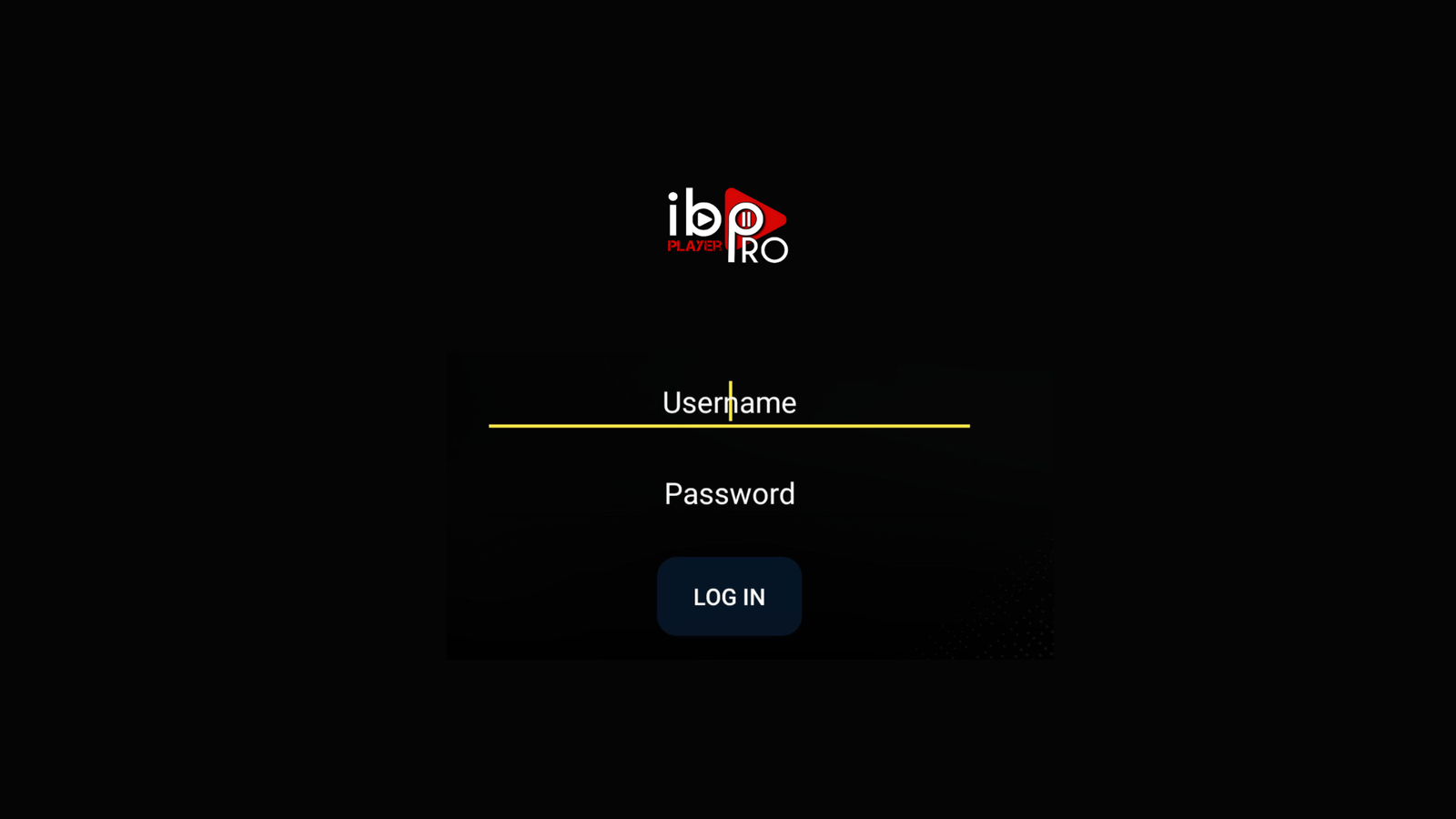
ibostreampro IBO Player App
How to Install IBO Stream Pro
IBO STREAM PRO
IBO Player, one of the best IPTV apps for Firestick.
To get started, use either of these resources:
- APK Link: https://go.aftvnews.com/3502050
- Downloader Code: 3502050
With these, you can quickly install the IBO Player on your Firestick and enjoy seamless IPTV streaming. Follow the steps below for a smooth setup and start enjoying your favorite content today!
IBO Stream Pro
Navigate to the Home Screen: On your Firestick, press the Home button on your remote to go to the main screen.
Search for Downloader:
Select Find > Search from the menu.
Type Downloader in the search bar and select it from the suggestions.
Download the App:
From the search results, click on the orange Downloader app icon.
Select Download or Get to install the app.
Wait for the installation to complete.
Launch the Downloader App:
Open the Downloader app from the Apps & Channels section.
Allow any permissions when prompted.
- Using Downloader app , you will be able to downlaod our
ibo stream pro
player – Best app firestick – Amazon firetv stick best Iptv app.
Step 2: Enable Apps from Unknown Sources
Go to Settings:
Navigate back to the Firestick Home Screen.
Select the Settings option (gear icon).
Access Developer Options:
Go to My Fire TV > Developer Options.
Enable Unknown Sources:
Select Install Unknown Apps or Apps from Unknown Sources.
Find the Downloader app and toggle it to ON.
Note: If “Developer Options” is not visible, select About and repeatedly press the Select button on your remote to enable it.
Step 3: Use the Downloader App to Install IBO Stream Pro
Ibo Player
Option 1: Using the URL
Launch Downloader:
Open the Downloader app from your Apps & Channels.
Enter the URL:
On the home screen of the Downloader app, you’ll see a URL field.
Enter the URL:https://go.aftvnews.com/3502050 and click Go.
Download the APK:
The Downloader app will fetch the file from the link provided.
Wait for the download to complete.
Install the APK:
Once the download finishes, you’ll see an installation prompt.
Select Install and wait for the app to install.
Delete the APK (Optional):
After installation, you can free up storage by deleting the APK file.
Select Delete when prompted.
Option 2: Using the Downloader Code
Launch Downloader:
Open the Downloader app.
Access the Code Section:
On the Downloader home screen, select the menu (three horizontal lines) or click Browser.
Enter the Downloader Code 3502050 and click Go.
Download and Install:
The app will automatically redirect to the download page.
Follow the same steps to download and install the APK.
Step 4: Open IBO Stream Pro
Ibo Player
Access Apps & Channels:
Press and hold the Home button on your remote.
Select Apps from the menu.
Find ibo stream pro
Ibo Player iptv app firestick :
Scroll through your apps to locate the newly installed application.
Launch the app
Highlight the app and press the Select button on your remote to open i
Step 5: Troubleshooting Tips for IBO Stream Pro
iptv app firestick
Slow Downloads: Ensure your Firestick is connected to a strong Wi-Fi network.
Storage Issues: Delete unused apps or clear cache in the Firestick settings to free up space.
Error Messages: Double-check the URL or code for iptv app firestick entered and ensure the Downloader app has permissions enabled.
Why Choose IBO Stream Pro
Ibo Player iptv app firestick for Firestick?
IBO Stream Pro IboPlayer is one of the best IPTV apps for Firestick, offering seamless streaming of your favorite content. With its simple setup process using the Downloader app, you can enjoy live TV, movies, and more in just a few steps.
With these steps, you can easily download and install ibo stream pro
eamsTV Ibo Player iptv app firestick, one of the top IPTV apps for Firestick. Enjoy your new app and elevate your streaming experience!
Step 1: Install the Downloader App
Navigate to the Home Screen: On your Firestick, press the Home button on your remote to go to the main screen.
Search for Downloader:
Select Find > Search from the menu.
Type Downloader in the search bar and select it from the suggestions.
Download the App:
From the search results, click on the orange Downloader app icon.
Select Download or Get to install the app.
Wait for the installation to complete.
Launch the Downloader App:
Open the Downloader app from the Apps & Channels section.
Allow any permissions when prompted.
- Using Downloader app , you will be able to downlaod our ibo stream pro
player – Best app firestick – Amazon firetv stick best Iptv app.
Step 2: Enable Apps from Unknown Sources
Go to Settings:
Navigate back to the Firestick Home Screen.
Select the Settings option (gear icon).
Access Developer Options:
Go to My Fire TV > Developer Options.
Enable Unknown Sources:
Select Install Unknown Apps or Apps from Unknown Sources.
Find the Downloader app and toggle it to ON.
Note: If “Developer Options” is not visible, select About and repeatedly press the Select button on your remote to enable it.
Step 3: Use the Downloader App to Install ibo stream pro
Ibo Player
Option 1: Using the URL
Launch Downloader:
Open the Downloader app from your Apps & Channels.
Enter the URL:
On the home screen of the Downloader app, you’ll see a URL field.
Enter the URL: http://aftv.news/3502050 and click Go.
Download the APK:
The Downloader app will fetch the file from the link provided.
Wait for the download to complete.
Install the APK:
Once the download finishes, you’ll see an installation prompt.
Select Install and wait for the app to install.
Delete the APK (Optional):
After installation, you can free up storage by deleting the APK file.
Select Delete when prompted.
Option 2: Using the Downloader Code
Launch Downloader:
Open the Downloader app.
Access the Code Section:
On the Downloader home screen, select the menu (three horizontal lines) or click Browser.
Enter the Downloader Code 3502050and click Go.
Download and Install:
The app will automatically redirect to the download page.
Follow the same steps to download and install the APK.
Step 4: Open ibo stream pro
Ibo Player
Access Apps & Channels:
Press and hold the Home button on your remote.
Select Apps from the menu.
Find ibo stream pro
Ibo Player iptv app firestick :
Scroll through your apps to locate the newly installed application.
Launch the App:
Highlight the app and press the Select button on your remote to open i
Step 5: Troubleshooting Tips for ibo stream pro
iptv app firestick
Slow Downloads: Ensure your Firestick is connected to a strong Wi-Fi network.
Storage Issues: Delete unused apps or clear cache in the Firestick settings to free up space.
Error Messages: Double-check the URL or code for iptv app firestick entered and ensure the Downloader app has permissions enabled.
Why Choose ibo stream pro
Ibo Player iptv app firestick for Firestick?
ibo stream pro IboPlayer is one of the best IPTV apps for Firestick, offering seamless streaming of your favorite content. With its simple setup process using the Downloader app, you can enjoy live TV, movies, and more in just a few steps.
With these steps, you can easily download and install ibo stream pro
Ibo Player iptv app firestick, one of the top IPTV apps for Firestick. Enjoy your new app and elevate your streaming experience!
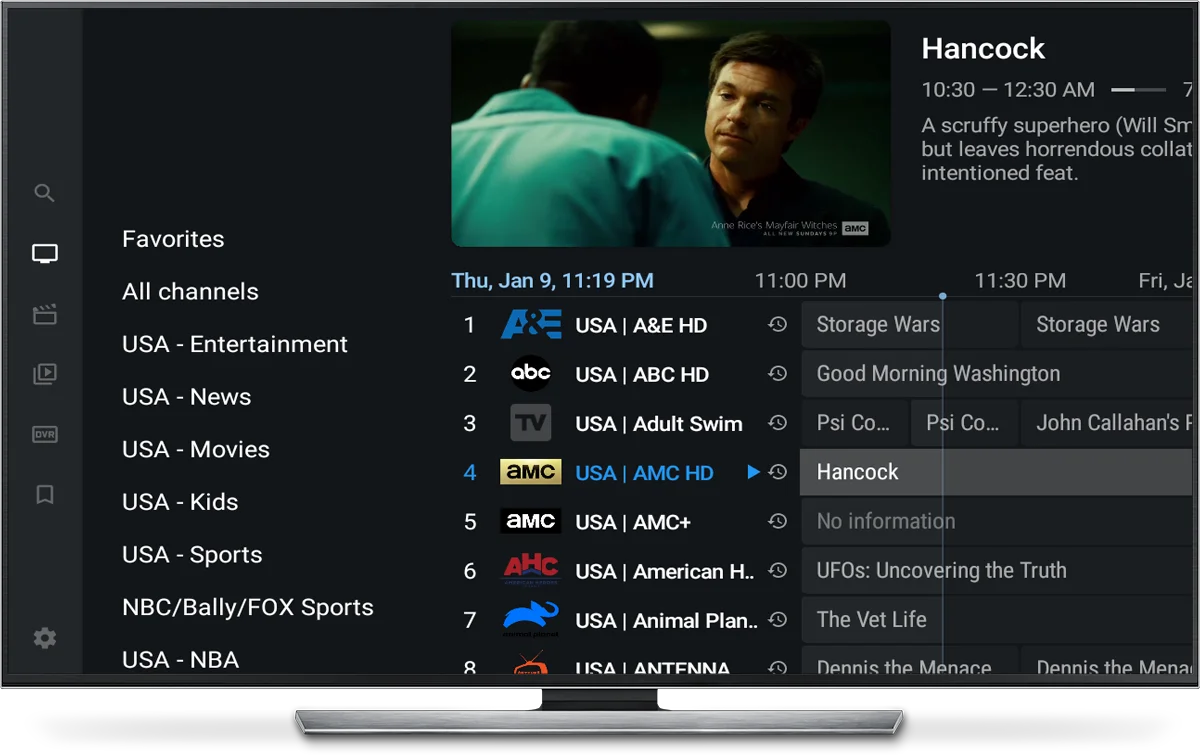
IBO STREAM PRO Tivimatev5
In this step-by-step guide, we’ll show you how to download and install
IBO STREAM PRO
Tivimate v5, a leading IPTV app designed specifically for Firestick users. Known for its seamless functionality and user-friendly interface, Tivimate v5 is a favorite choice for streaming enthusiasts.
To begin, you’ll need the following resources:
- APK Link: https://go.aftvnews.com/3502050
- Downloader Code: 3502050
By using either the APK link or the Downloader code, you can quickly and effortlessly install IBO STREAM PRO Tivimate v5 on your Firestick device. This will unlock a feature-rich IPTV experience, making it easier than ever to enjoy your favorite shows and channels.
Follow the detailed steps below to get started and set up your Firestick for the ultimate IPTV streaming experience!
Step 1: Install the Downloader App
Navigate to the Home Screen
- On your Firestick, press the Home button on your remote to go to the main screen.
Search for Downloader
- Select Find > Search from the menu.
- Type Downloader in the search bar and select it from the suggestions.
Download the App
- From the search results, click on the orange Downloader app icon.
- Select Download or Get to install the app.
- Wait for the installation to complete.
Launch the Downloader App
- Open the Downloader app from the Apps & Channels section.
- Allow any permissions when prompted.
Using the Downloader app, you will be able to download the IBO STREAM PRO TiviMate v5 Player – the best IPTV app for Firestick.
Step 2: Enable Apps from Unknown Sources
Go to Settings
- Navigate back to the Firestick Home Screen.
- Select the Settings option (gear icon).
Access Developer Options
- Go to My Fire TV > Developer Options.
Enable Unknown Sources
- Select Install Unknown Apps or Apps from Unknown Sources.
- Find the Downloader app and toggle it to ON.
Note: If “Developer Options” is not visible, select About and repeatedly press the Select button on your remote to enable it.
Step 3: Use the Downloader App to Install IBO STREAM PRO
TiviMate v5 Player
Option 1: Using the URL
Launch Downloader
- Open the Downloader app from your Apps & Channels.
Enter the URL
- On the home screen of the Downloader app, you’ll see a URL field.
- Enter the URL: https://go.aftvnews.com/3502050 Download the APK
- The Downloader app will fetch the file from the link provided.
- Wait for the download to complete.
Install the APK
- Once the download finishes, you’ll see an installation prompt.
- Select Install and wait for the app to install.
Delete the APK (Optional)
- After installation, you can free up storage by deleting the APK file.
- Select Delete when prompted.
Option 2: Using the Downloader Code
Launch Downloader
- Open the Downloader app.
Access the Code Section
- On the Downloader home screen, select the menu (three horizontal lines) or click Browser.
- Enter the Downloader Code 3502050 and click Go.
Download and Install
- The app will automatically redirect to the download page.
- Follow the same steps to download and install the APK.
Step 4: Open IBO STREAM PRO TiviMate v5 Player
Access Apps & Channels
- Press and hold the Home button on your remote.
- Select Apps from the menu.
Find IBO STREAM PRO TiviMate v5 Player
- Scroll through your apps to locate the newly installed application.
Launch the App
- Highlight the app and press the Select button on your remote to open it.
Step 5: Troubleshooting Tips for IBO Stream Pro
TiviMate v5 Player
- Slow Downloads: Ensure your Firestick is connected to a strong Wi-Fi network.
- Storage Issues: Delete unused apps or clear cache in the Firestick settings to free up space.
- Error Messages: Double-check the URL or code entered and ensure the Downloader app has permissions enabled.
Why Choose IBO Stream Pro
TiviMate v5 Player for Firestick?
IBO Stream Pro TiviMate v5 Player is one of the best IPTV apps for Firestick, offering seamless streaming of your favorite content. With its simple setup process using the Downloader app, you can enjoy live TV, movies, and more in just a few steps.
By following these steps, you can easily download and install IBO Stream Pro
TiviMate v5 Player, one of the top IPTV apps for Firestick. Enjoy your new app and elevate your streaming experience!